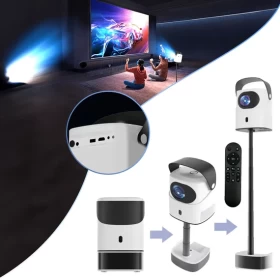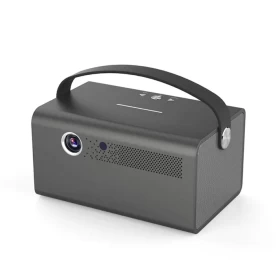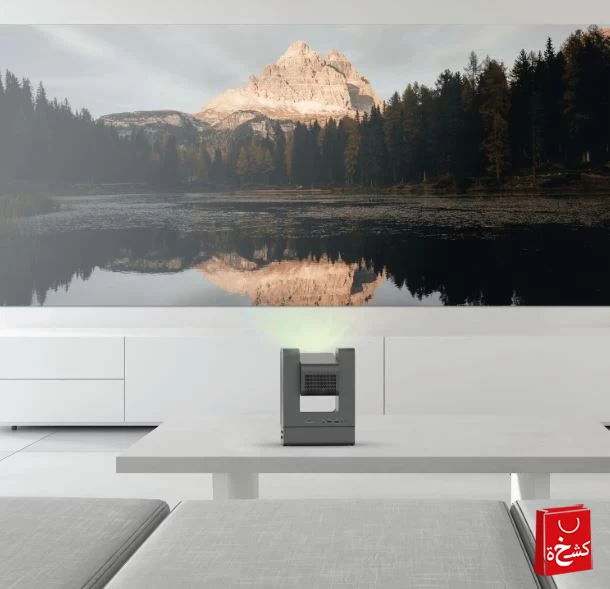
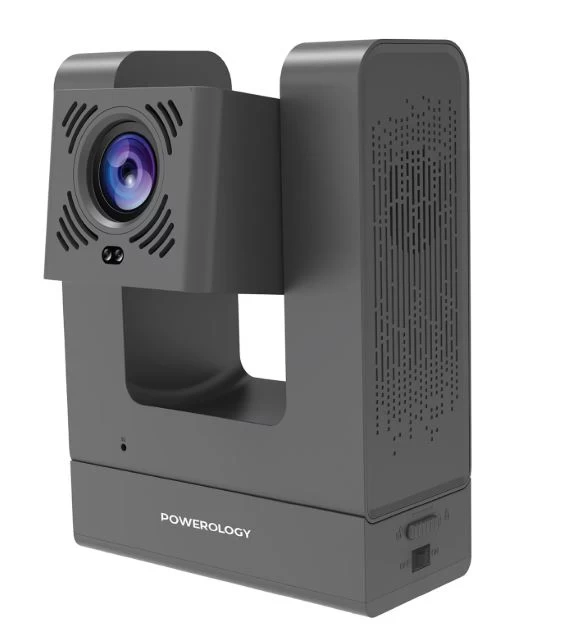
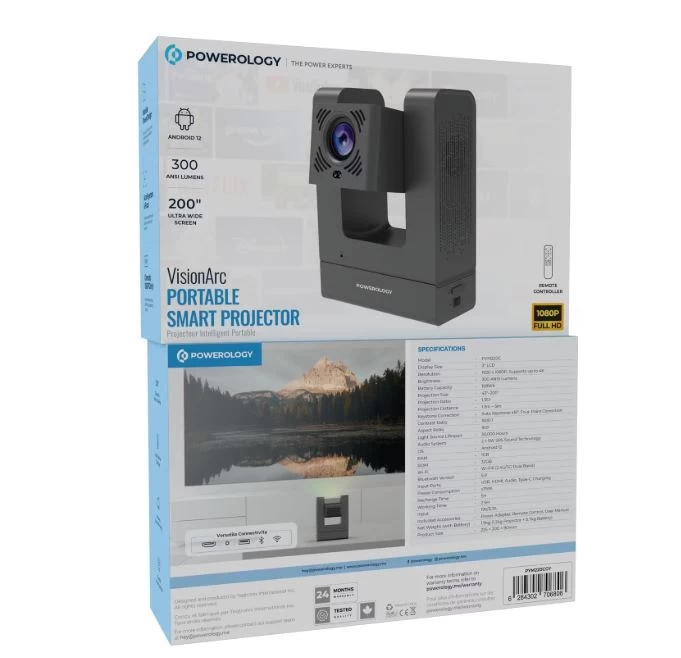
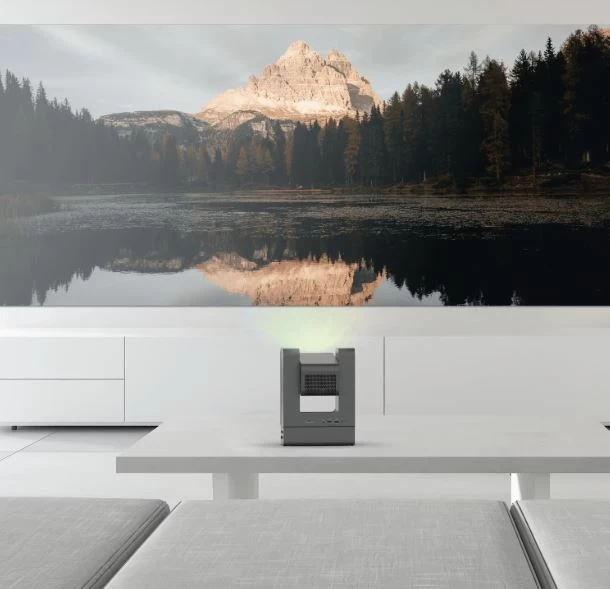

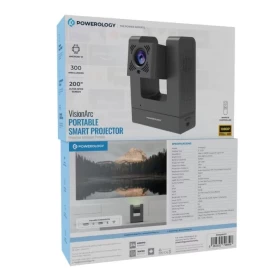
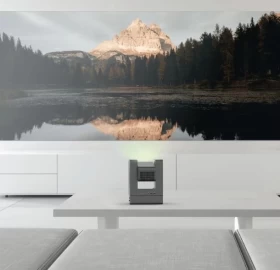




Experience cinema anywhere with the Powerology VisionArc Portable Smart Projector—a compact, high-clarity projector designed for home entertainment, outdoor movie nights, gaming, and presentations. With smart features, powerful speakers, and wireless controls, it delivers a full immersive viewing experience.
📽️ High-Resolution Projection – Crisp, bright visuals indoors or outdoors
📱 Smart Operating System – Stream directly from apps (YouTube, Netflix, etc.)
🔊 Built-in High-Quality Speakers – Clear, rich, room-filling sound
📡 Wireless Connectivity – Wi-Fi, Bluetooth, and screen mirroring
🔦 Portable & Lightweight – Easy to carry and set up anywhere
🔁 Auto Keystone Correction – Perfectly adjusts the image automatically
🔌 Multiple Ports – HDMI, USB, Audio, and more
🌙 Low Noise Operation – Quiet performance for distraction-free watching
🔋 Battery-Compatible Model (if applicable) – Enjoy movies without a power outlet
Brand: Powerology
Model: VisionArc Portable Smart Projector
Resolution: HD or Full HD (depending on variant)
Projection Size: Up to 150 inches
Keystone Correction: Auto / Manual
Connectivity: Wi-Fi, Bluetooth
Ports: HDMI, USB, Audio Out
Speaker: Built-in stereo speakers
OS: Smart system with built-in streaming apps
Use: Indoor & outdoor
Light Source: LED
Lifespan: Long-life LED hours
1 × VisionArc Smart Projector
1 × Remote Control
1 × Power Cable
1 × User Manual
Plug in and power on the projector
Connect to Wi-Fi for smart streaming
Adjust distance for screen size
Use auto-keystone to align the image
Enjoy movies, games, or presentations
Home theater
Bedroom / living room watching
Outdoor movie nights
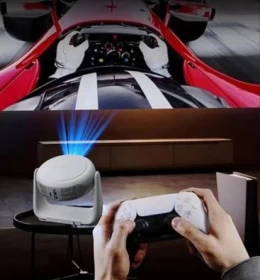
Gaming
Presentations
Kids entertainment
Travel